AI Headshot: Complete Guide
How an AI headshot is made from your own photo, where it works for LinkedIn and a company page, and the limits you should check before you publish it.
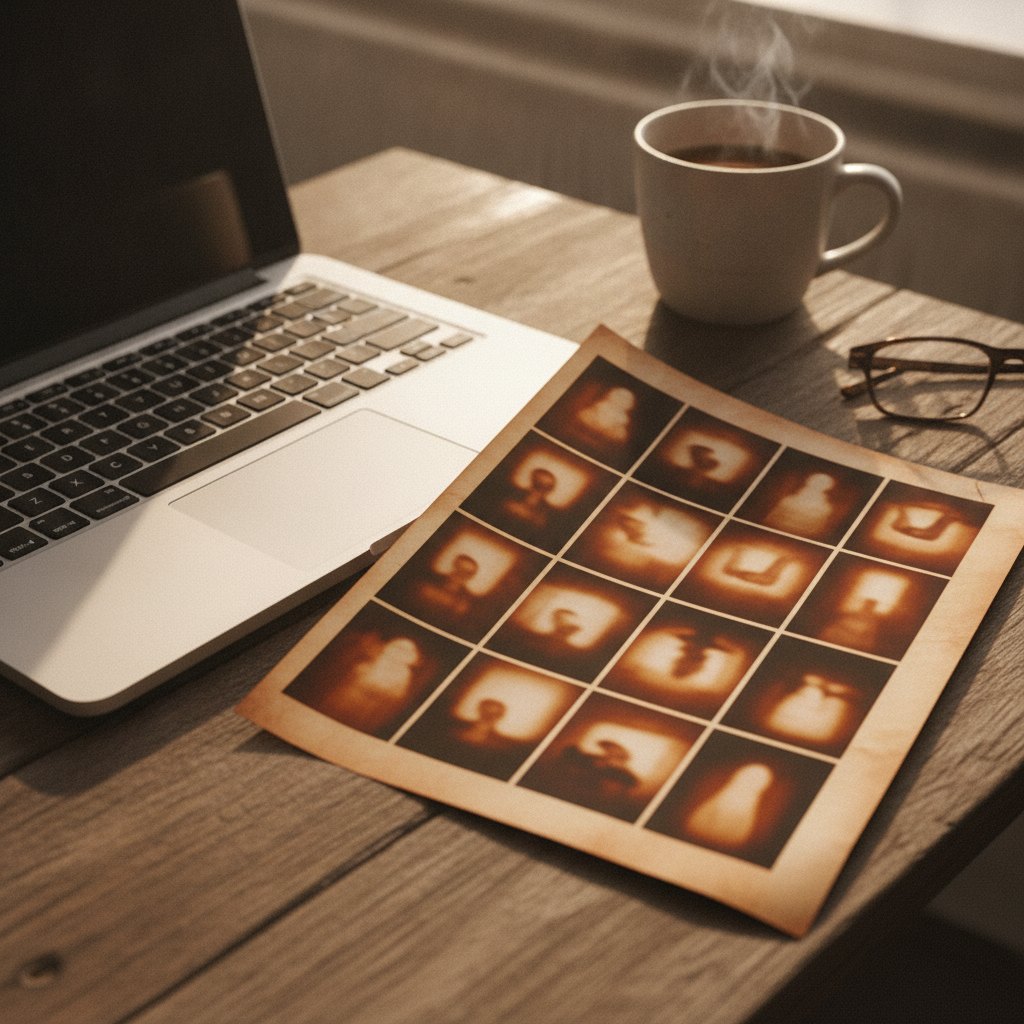
What an AI headshot changes
AI headshots use artificial intelligence to create a professional portrait by editing and enhancing a photo you provide. The technology is designed to adjust certain elements of the image while keeping your identity intact. The main changes an AI headshot will make are typically to the background, clothing, lighting, and overall image quality. For example, a cluttered room or distracting background can be replaced with a clean, neutral color or a subtle office environment. AI can also swap casual clothing for a more formal shirt or blazer, giving the impression that you dressed up for a studio shoot.
However, the intent isn’t to create a completely new person. The AI will preserve your facial features, bone structure, and unique characteristics that make you recognizable. What changes are the context and presentation. The goal is to give you a polished, work-appropriate portrait—something that looks like you on your best day, not someone else entirely. It’s important to understand that while the technology is advanced, it does not perform miracles. If your source photo is blurry, poorly lit, or heavily obscured, the AI can’t invent details that aren’t there. The best results come from a good starting image.
Beyond backgrounds and clothing, AI headshots can subtly retouch your skin, smooth out wrinkles, and balance skin tone, similar to what a professional retoucher might do. This can help reduce the appearance of blemishes or uneven lighting, but the changes generally remain within natural limits—AI tools are not designed to give you a completely new face or remove features that are a core part of your appearance, such as scars, moles, or freckles, unless you specifically request heavy retouching.
The AI also often enhances the sharpness and clarity of your eyes, adjusts the color balance to make your image more vibrant, and can even correct minor asymmetries introduced by poor camera angles. However, these changes are meant to be subtle improvements. The AI will not, and should not, exaggerate your features or apply unrealistic beauty standards. If you notice that your AI headshot looks overly airbrushed or “plastic,” it may be a sign to adjust your preferences or choose a different provider.
In addition, AI can fix common issues such as red-eye, slightly messy hair, or minor glare on glasses. It does this by referencing large datasets of professional portraits to predict what a cleaned-up version of your photo should look like, but it cannot invent details hidden or missing from the original. For example, if your hair is entirely out of frame or your face is obscured, the AI cannot accurately reconstruct those areas. This is why a good source photo is so important: the AI works with what it can see.
The source photo that works
The quality of your AI headshot is directly tied to the photo you upload. A successful transformation starts with a clear, well-lit image where your face is fully visible. Ideally, you should use a recent photo taken with your phone or camera, facing the camera straight on or with a slight angle. Natural daylight is best, as it gives your skin an even tone and avoids harsh shadows. Avoid photos with strong backlighting or heavy shadows across your face, as these can confuse the AI.
Your expression should be neutral or friendly—think of the kind of face you’d use in a real professional headshot. Glasses are fine if you wear them daily, but avoid sunglasses or hats that obscure your features. The AI can adjust your clothing and background, but it can’t fix a photo where your face is hidden, out of focus, or blown out by light. Also, group photos, selfies with extreme angles, or images cropped from social media rarely work well. The more your source photo looks like a basic passport or ID photo (but with better lighting and a natural expression), the better the AI can do its job.
Consider taking a new photo specifically for your AI headshot. Stand in front of a plain wall or uncluttered space, ideally during the daytime and facing a window or another diffuse light source. Hold your phone or camera at eye level, about arm’s length away, and keep your expression relaxed. Avoid using your computer’s webcam unless it’s high quality and positioned well, as many webcams produce grainy or unflattering images.
Pay attention to your posture. Stand or sit up straight, keep your shoulders relaxed, and maintain a natural, approachable expression. Avoid tilting your head too much or using exaggerated angles, as the AI may interpret these as distortions. If you have long hair, brush it so it frames your face clearly, and avoid hairstyles that cover your eyes or significant parts of your cheeks.
Clothing in the source photo does not need to be formal, since the AI can digitally change it, but avoid neon colors, busy patterns, or clothing with text and logos, as these can create visual distractions or confuse the AI. Solid, neutral colors work best. Before uploading, check that your face is in focus, well-lit, and not cropped too tightly above the head or below the shoulders. The more your photo resembles a traditional portrait setup, the more accurate and flattering your AI headshot will be.
Looks for work, not costumes
When using AI to generate a headshot, the goal is to create a professional image suitable for the workplace. The AI can digitally dress you in typical business attire, such as a button-down shirt, blouse, blazer, or suit. This helps ensure your photo matches the expectations of hiring managers, clients, or colleagues who see your profile. The technology aims to enhance your presentation, not transform you into a character or someone you’re not.
It’s important to avoid using photos where you’re in costume, heavy makeup, or wearing themed accessories. The AI might misinterpret unusual clothing or props, resulting in a headshot that looks off or unnatural. Similarly, uploading photos from themed parties, Halloween, or sports events is unlikely to produce a credible professional image. Remember, the AI can clean up the look of your clothing and background, but it works best when you start with a photo that shows you as you’d appear in a normal, everyday setting.
This also means the final headshot should look like you on a good day at work, not like a movie star or someone in a fashion editorial. The enhancements are meant to polish, not rewrite, your appearance. If your job or industry has specific expectations for attire or style, you can often choose from different backgrounds or clothing options, but the core principle is the same: aim for a look you’d be comfortable showing in a business meeting or on a professional website.
Think about your industry when considering the look of your headshot. For most professional settings, the AI will default to business casual or business formal attire. In creative fields, you might opt for a less formal look, such as a plain shirt without a blazer, but still avoid anything that reads as a costume or character outfit. The AI’s wardrobe options are usually based on typical office attire—blazers, collared shirts, blouses, and sometimes simple sweaters or cardigans.
It’s also wise to avoid uploading photos where you’re wearing uniforms, sports jerseys, or branded company apparel, unless you specifically want those elements included. AI tools may interpret such clothing as part of your regular appearance and attempt to keep or modify it, which could result in awkward or mismatched edits. If you want a headshot that fits a specific job application (like healthcare, law, or creative arts), use the most neutral, “blank slate” version of yourself in the source photo and select clothing/background options accordingly.
Remember, the purpose of your headshot is to convey approachability, professionalism, and authenticity. Overly dramatic makeup, novelty accessories, or props (like sunglasses, hats, or headphones) can make your headshot seem less credible. If your job allows for more personal style, you can let that show through in your hair, subtle jewelry, or a hint of color, but keep the overall look focused on you, not your outfit.
How to tell the result still looks like you
A key concern with AI-edited headshots is whether the final image will accurately represent you. The best AI headshots retain your facial features, proportions, and expressions. When you compare the result to your original photo, your eyes, nose, mouth, and bone structure should clearly match. The improvements should be subtle—smoother skin, even lighting, sharper focus—but not so extreme that you look unrecognizable.
To check if an AI headshot still looks like you, ask yourself a few questions: Would a friend, coworker, or family member instantly recognize you from this photo? Does the headshot match your current appearance, including hairstyle, facial hair, or glasses if you wear them daily? If the answer is yes, the AI has done its job well. If the image feels “off”—perhaps your face is oddly shaped, your skin tone is wrong, or your age looks dramatically different—then the AI may have over-edited or misinterpreted the source photo.
Another sign of a good AI headshot is consistency. If you generate multiple headshots from the same source photo, they should all look like variations of you, not a series of unrelated faces. The background and clothing may change, but your core appearance should not. If you notice strange artifacts, such as mismatched eyes, distorted ears, or unnatural smiles, it’s a sign the AI struggled with your photo. In those cases, try uploading a clearer, better-lit image for improved results.
Take time to compare your AI headshot with how you look in other recent photos or in the mirror. If you’re unsure, ask someone you trust for honest feedback—ideally a coworker or friend who sees you regularly. If they recognize you instantly and feel the image is a true representation of your current self, that’s a good sign. If you wear glasses or have facial hair, check that the AI has rendered these details correctly and consistently.
Pay attention to the subtleties: Does the shape of your jaw, the spacing of your eyes, and the curve of your smile match your real appearance? If the AI has made your features sharper or your skin clearer, but you still look like yourself, that’s ideal. However, if your headshot looks younger or older by many years, or if you appear to have a different face shape, the AI may have over-processed the image or filled in gaps with generic features.
Another tip is to try using your AI headshot in real-world contexts: upload it to your LinkedIn profile or company directory and see if colleagues comment on the change. If all feedback is positive and no one asks, “Is that really you?” then the headshot passes the authenticity test. If you receive confused or skeptical reactions, consider submitting a new, clearer source photo or choosing a less heavily edited style.
When a photographer is the better call
AI headshots are a convenient, affordable way to get a professional-looking image, especially if you’re short on time or resources. However, there are situations where working with a human photographer is a smarter choice. If you need a headshot for a high-profile publication, company website, or professional networking event, a photographer can provide a level of customization and quality control that AI cannot match. Photographers can adjust lighting, coach your expression, and retouch images with a nuanced, personal touch.
If you have specific requirements—such as group photos, unique poses, or branding elements—a photographer can accommodate those needs. Human professionals are also better at handling complex situations, such as photographing people with mobility aids, visible medical devices, or other personal features that might confuse AI editing tools. Additionally, if your appearance has changed significantly since your last photo, or if you want to capture your personality in a particular setting, scheduling a session with a photographer ensures the result is tailored to your needs.
Finally, some people simply feel more comfortable with the human interaction and guidance that a photographer provides. If you’ve tried AI headshots and found the results lacking, or if you want the experience of a professional session, investing in a photoshoot is worth considering. AI is a great tool for many scenarios, but it’s not a full replacement for the expertise and artistry of a skilled photographer.
Photographers offer more than just technical skill—they can help you feel comfortable, guide you through poses, and capture your personality in ways AI tools cannot. If you’re uncomfortable in front of the camera or unsure how to present yourself, a professional can give real-time feedback to help you look your best. They can also adjust lighting and camera settings on the spot to flatter your features, something AI can’t do after the fact.
Professional headshots are especially valuable for those with unique needs. For example, if you have a nontraditional hairstyle or wear special attire for religious or cultural reasons, a photographer can ensure these are represented respectfully and accurately. They can also accommodate accessibility requirements and make adjustments for physical differences or mobility aids that AI tools might not handle well.
If your company or organization requires headshots in a specific style, format, or resolution, a photographer can deliver exactly what’s needed, including consistent lighting and backgrounds for entire teams. For executives, public speakers, or anyone seeking to build a personal brand, a custom photoshoot provides full creative control and the ability to direct every aspect of your image. While AI headshots are fast and cost-effective, a human photographer remains the best choice for personalized, high-stakes, or highly customized portraits.
Frequently Asked Questions
Does an AI headshot use my real face?
Yes, an AI headshot is based on your real face from the photo you upload. The AI keeps your facial features and overall appearance while improving other aspects, such as background and clothing.
Will an AI headshot look fake?
A well-made AI headshot should look natural and professional, provided you start with a good source photo. If the original image is blurry, poorly lit, or heavily edited, the AI result may look unnatural or artificial.
Can I use an AI headshot on LinkedIn?
Yes, you can use an AI headshot on LinkedIn or other professional platforms, as long as the image accurately represents you and looks professional. Make sure the result aligns with your industry’s standards and your personal brand.
What photo should I upload?
You should upload a clear, recent photo taken in good lighting, with your face fully visible and looking at the camera. Avoid group shots, selfies with extreme angles, or photos with your face partially covered.
How is this different from a filter?
AI headshots use advanced editing to change backgrounds and clothing while preserving your identity, whereas filters often apply superficial effects or distort your appearance. The goal of an AI headshot is to create a realistic, professional portrait, not to add playful or dramatic visual effects.
Make your work headshot
If you want a professional headshot without the hassle of a studio session, you can try WorkHeadshot. Upload a single photo at workheadshot.com/studio to get started—the first headshot is free. The Studio plan is $29 for 24 headshots, Weekly is $12 for 16 headshots each week, and Monthly is $29 for 80 headshots per month. With flexible options and fast results, it’s easy to create a polished, work-ready headshot from the comfort of your home.