Headshot Photoshoot: Complete Guide
How to plan a headshot photoshoot, what to bring, how a team day works, and when one clear photo can stand in for booking a full studio session in person.
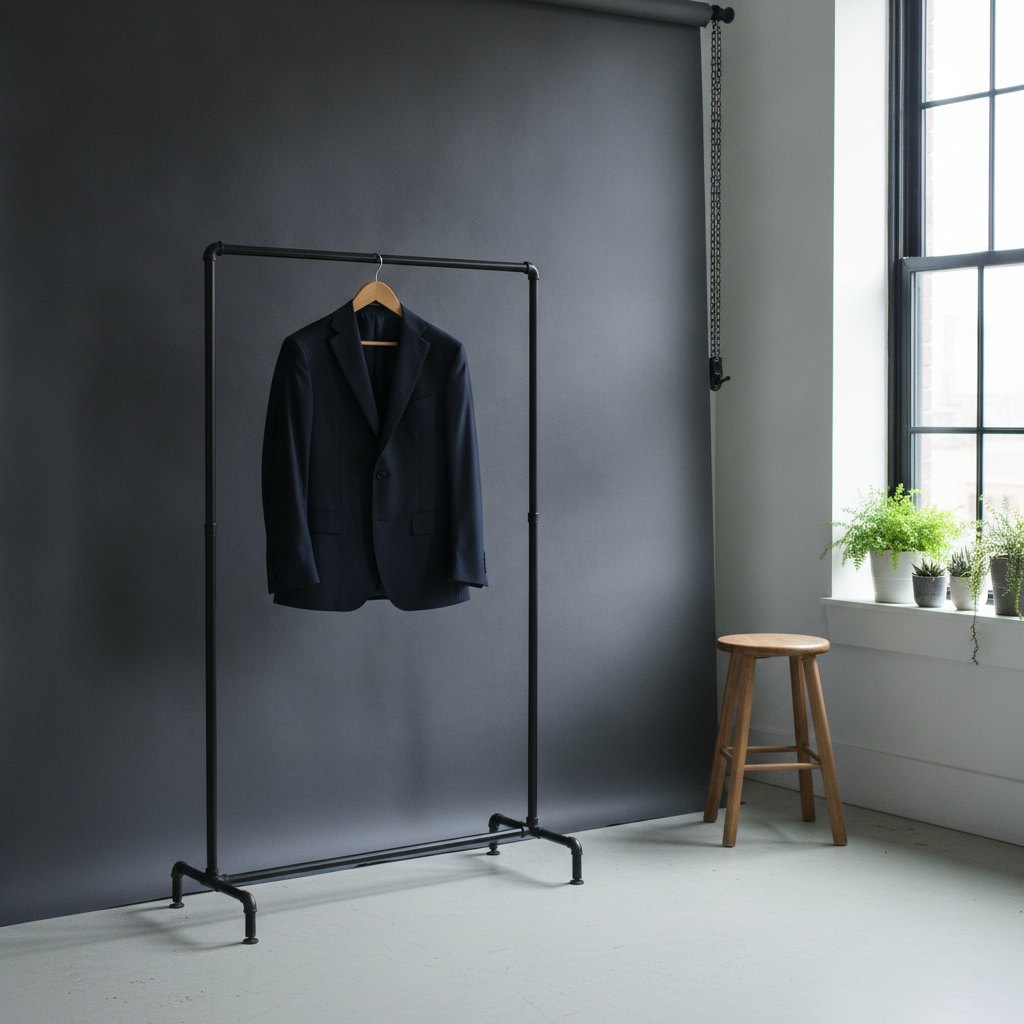
What a headshot photoshoot includes
A headshot photoshoot is a focused session designed to capture professional portraits, usually from the shoulders up, that represent you or your team in the best possible light. The process goes beyond simply standing in front of a camera and smiling; it is a coordinated effort that blends planning, technical skill, and personal style. A standard photoshoot day with a photographer starts with preparation, continues with the actual photography session, and ends with selecting and retouching the best images.
On the day of the shoot, you’ll typically arrive at the studio or agreed location at a set time. The space will be prepared with lighting equipment, backdrops, and sometimes a makeup area. The photographer may have an assistant to help manage lighting or direct the shoot. If you’ve hired a makeup artist or hair stylist, you’ll begin with them. This is especially common for company shoots or executive portraits, where a polished look is crucial.
After final touch-ups, the photographer will guide you through several poses, adjusting your posture, chin position, and facial expression. They may change lighting setups or backdrops to capture different moods or looks. Throughout the session, you’ll review some images on the camera or a computer screen to ensure you’re satisfied with the results. A typical session includes multiple shots, sometimes in various outfits, so you have options for different uses.
Once the shoot wraps up, the photographer usually sends you a selection of the best images—often referred to as “proofs” or “previews.” You choose your favorites, known as “selects,” which the photographer then retouches for final delivery. The end result is a set of high-quality, versatile headshots you can use across professional platforms, company websites, and more.
How to brief the photographer or the tool
Before your session, it’s important to communicate your goals and expectations clearly to the photographer or, if you’re using an online tool, to specify your preferences. If you’re working with a photographer, send them examples of headshots you like. Discuss the intended use of the photos—whether for LinkedIn, company directories, press releases, or marketing materials—as this can influence the style, background, and level of formality.
Let the photographer know about any company branding guidelines, such as preferred colors, logo placement, or background requirements. If you’re organizing a team shoot, share a list of participants and their roles, so the photographer can plan accordingly. Mention any specific needs, such as requiring both horizontal and vertical images, or including props relevant to your industry.
If you’re using an online headshot tool, such as WorkHeadshot, you’ll usually upload a source photo and select desired styles or backgrounds. These tools often let you choose between business, casual, or creative looks, and you can indicate if you want a neutral or branded backdrop. While you won’t have the same level of real-time guidance as with a photographer, providing a high-quality source image and selecting clear preferences will help the tool generate photos that fit your needs.
Regardless of the approach, clarity is key. The more specific you are about the intended use, style, and any must-have features, the better your headshot will represent you or your team.
Clothing, timing, and energy
What you wear for your headshot matters. Choose clothing that aligns with your profession and the message you want to convey. Solid colors generally work best, avoiding overly busy patterns or logos that can distract from your face. For formal industries, a blazer or dress shirt is a safe choice; for creative fields, you might opt for something more relaxed but still polished. Bring a few options if you’re unsure—photographers often allow for outfit changes.
Timing your shoot is also important. Schedule it for a time of day when you feel most energetic and alert. For many, this is mid-morning or just after lunch. Avoid booking a session after a long workday or when you’re likely to be tired, as fatigue can show in your expression. If possible, keep your calendar light before the shoot so you’re not rushed or stressed.
Your energy and mood will influence your expression in the photos. Take a few minutes to relax before stepping in front of the camera. If you’re nervous, let the photographer know—they can help put you at ease with music, conversation, or gentle direction. Even in at-home setups, take time to prepare yourself mentally and physically. Hydrate, get enough sleep the night before, and avoid last-minute grooming changes like haircuts or new skincare products that could cause irritation.
For at-home headshots, follow similar principles. Set up in a room with natural light, preferably near a window. Use a simple, uncluttered background, and dress as you would for a studio shoot. Take breaks if needed to keep your energy up, and don’t hesitate to take multiple photos to find your best look.
Team photoshoot logistics
Organizing a headshot session for a team requires extra planning to ensure consistency and efficiency. First, coordinate everyone’s schedules and book a time when all participants can be present. If you’re working with a photographer, share the team’s names and roles in advance. Decide whether you want a uniform look—such as matching backgrounds and lighting—or if each person can personalize their photo within certain guidelines.
Reserve a suitable location, such as a conference room, office lobby, or rented studio. Make sure the space is accessible and large enough to accommodate the photographer’s equipment and any waiting team members. If possible, stagger time slots so individuals aren’t waiting too long. Provide a waiting area where team members can prepare, check their appearance, and relax.
Communicate dress guidelines in advance to ensure a cohesive look across the team. Some companies require business attire, while others prefer business casual or allow for personal flair. If you’re hiring a makeup artist or stylist, schedule enough time for everyone to receive touch-ups.
For remote or distributed teams, logistics become more complex. Some companies fly team members to a central location for a group shoot, but this isn’t always practical. An alternative is to hire local photographers in each city and provide them with a detailed brief, ensuring consistency in lighting, background, and style. Another option is to use an online headshot tool, which can create consistent images from individual photos, even if team members are scattered across different locations.
What to do with the selects
After the shoot, you’ll receive a gallery of preview images. Review these carefully, looking for photos where you appear confident, approachable, and authentic. Consider asking a colleague or friend for a second opinion, but trust your instincts—choose images that feel like you and fit your professional persona.
Once you’ve chosen your selects, communicate your choices clearly to the photographer. Most packages include a set number of retouched images; if you want more, ask about additional fees. The retouching process typically involves minor adjustments—like smoothing skin, whitening teeth, and correcting stray hairs—while maintaining a natural appearance.
When you receive your final images, save them in multiple formats (high-resolution for print, web-optimized for online use). Update your professional profiles, company website, and email signature with your new headshot. If you manage a team, share the images with HR or communications staff for use in press releases, presentations, or internal directories.
Organize your selects in a dedicated folder with clear filenames, indicating the year and intended use. This makes it easy to update materials as your role or appearance changes. If you used an online tool, download all image variations so you have options for different backgrounds or crops.
Frequently Asked Questions
How long is a headshot photoshoot?
A typical individual headshot session lasts 30 to 60 minutes, including setup and outfit changes. Team sessions can take several hours, depending on the number of participants and the complexity of the shoot.
How many looks should a photoshoot cover?
It’s common to capture at least two looks—one formal and one more relaxed. More looks can be added if you need headshots for different purposes, but each additional outfit or backdrop will require more time.
What if the team cannot meet in one city?
If your team is spread across multiple locations, you can hire local photographers with a shared brief to maintain consistency. Alternatively, online headshot tools can generate cohesive images from individual photos, even when everyone is remote.
Should I bring my own clothes?
Yes, it’s best to bring your own clothing to ensure a good fit and personal comfort. Some studios may offer wardrobe options, but your own clothes will better reflect your style and professional image.
Do I have to book a studio?
Booking a studio isn’t mandatory—many headshots are taken in offices, outdoor locations, or at home with proper lighting and background. Studios offer controlled environments but aren’t essential for high-quality results.
Make your work headshot
Whether you’re planning a professional photoshoot or creating your own headshot at home, investing in a strong, current image is worthwhile. If you need a headshot quickly or your team is remote, consider using WorkHeadshot Studio. You can create a professional headshot from a single photo, with no need for travel or a studio session. The Studio plan is $29 for 24 headshots, Weekly is $12 for 16 headshots each week, and Monthly is $29 for 80 headshots monthly. Your first headshot is free, so you can try it before committing.
A great headshot is one of the most valuable tools for your professional presence—whether you work with a photographer, use an online tool, or take your own at home, make sure it represents you at your best.